Brand guidelines · v0.5.6 · August 2026
Lore, for people making things about Lore.
Everything a launch video needs: what Lore is, how it looks, how it moves, how it talks, and the files. Every value on this page is lifted from the shipped app — nothing here is aspirational. If the app and this page ever disagree, the app is right; tell us.
The creatures on this page are alive: they blink, breathe, look around, glance at your cursor, and notice when you click them. Nothing is a video.
The idea
It notices the stuff you'd forget, and lives in your notch.
Lore is a proactive assistant for the Mac. It reads what's already there — iMessages, calendar, mail, Slack — and speaks up on its own, a few times a day, before something slips: the reply you meant to send, the dinner that moved, the budget you promised by Friday.
What it is, in one breath
A small card in the MacBook notch that opens when Lore has something real, and a chat-first assistant underneath with one memory across conversations, notes, reminders and calendar. Hold ⌃⌥ anywhere — even in a full-screen app — and talk to it; it answers out loud, from the notch, in its own voice. Hold fn and it takes dictation and cleans it up.
Why it's different — four beats, in this order
- Proactive, not summoned. Every other assistant waits for a prompt. Lore interrupts — at most a handful of times a day, hard cap — and only with something that would otherwise slip.
- It lives where you already look. The notch, not a window. Present without being a destination. Nothing to open, nothing to check.
- Your life is the input. It reads the same copy of your messages the Messages app does — on your Mac. The index lives there. Nothing is used for training.
- It's someone, not something. Lore has a body: a small soft creature with two eyes and no mouth that looks at what you're doing, listens when you talk, and points at things. Setting it up is meeting it, not installing it.
The essence, three words
The four rules — locked, not preferences
- Your iMessages stay on your Mac. The index lives here. Only what's needed to answer a question ever travels — never used for training.
- Quiet by design. It speaks up when something would slip, and shuts up the rest of the time. No feed, no badges.
- You approve every send. Lore drafts; you say send. Nothing leaves in your name without your yes.
- Free during the beta. No card, no trial clock. Twenty dollars a month once the beta ends — said up front.
The arc a first meeting should follow
“This feels premium.” → “Wait, that's adorable.” → “Oh wow, this can actually do things for me.”
That is the onboarding's emotional arc, and it's the launch video's too. Premium first (black, the mark, the music), then the creature, then proof — a real notice, a real reply, a real calendar fix.
The mark
Four circles melted into one liquid silhouette.
Not a logo animation — a creature's first form. Four circles on a 32-unit canvas, merged by a goo filter (blur, then an alpha threshold). White on dark, carrying its own soft halo. It drifts; it is never rotated, spun, bounced, or tweened between keyframes.
Geometry
| circle | cx | cy | r |
|---|---|---|---|
| 1 | 13 | 12 | 7.0 |
| 2 | 20 | 14 | 6.5 |
| 3 | 15 | 20 | 6.8 |
| 4 | 20.5 | 19 | 5.5 |
Canvas 0–32 on both axes; centre (16, 16); nominal reach 10.5 units. Goo filter: Gaussian blur σ 2.2, then alpha × 20 − 9. The path SVG in the kit is the same silhouette pre-computed (the union of the circles, radii smoothed), for tools that can't run a filter.
How it moves
Each circle's x, y and radius ride two sines — the second at the golden ratio of the first — so the four never come back into phase and the silhouette is a different shape every time you look. Amplitudes are large on purpose: ±2.9 units on a 32-unit mark is a lobe visibly swelling and retreating, not a shape jiggling in place.
At rest it is simply still. In motion it drifts. There is no third state — no spin, no pulse, no bounce, no wipe. If you animate it by hand, use slow overlapping sines with irrational ratios; better, record the living mark from the stage above on true black.
Colour, glow, clearspace
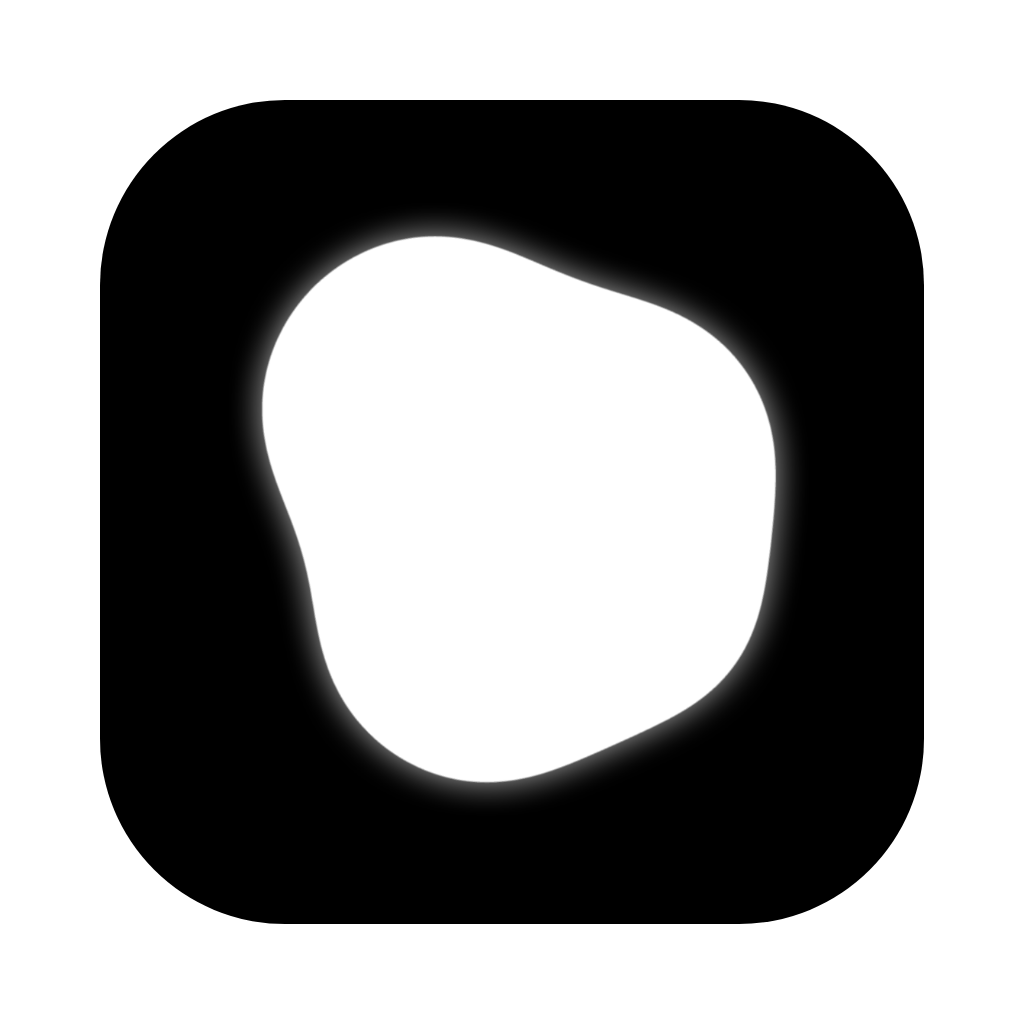
- White on dark. The app icon is the mark white on black in the macOS squircle — never re-tinted.
- The halo is the mark's own: a soft white shadow that tracks the silhouette. On the web:
drop-shadow(0 0 10px rgba(255,255,255,.28)) drop-shadow(0 0 26px rgba(255,255,255,.18)). Composite with screen / add (plusLighter) — never paste it as an opaque box. - Clearspace half the mark's width on all sides. Minimum 16 px at 1× (32 px at 4K); below that use the mark alone, no wordmark.
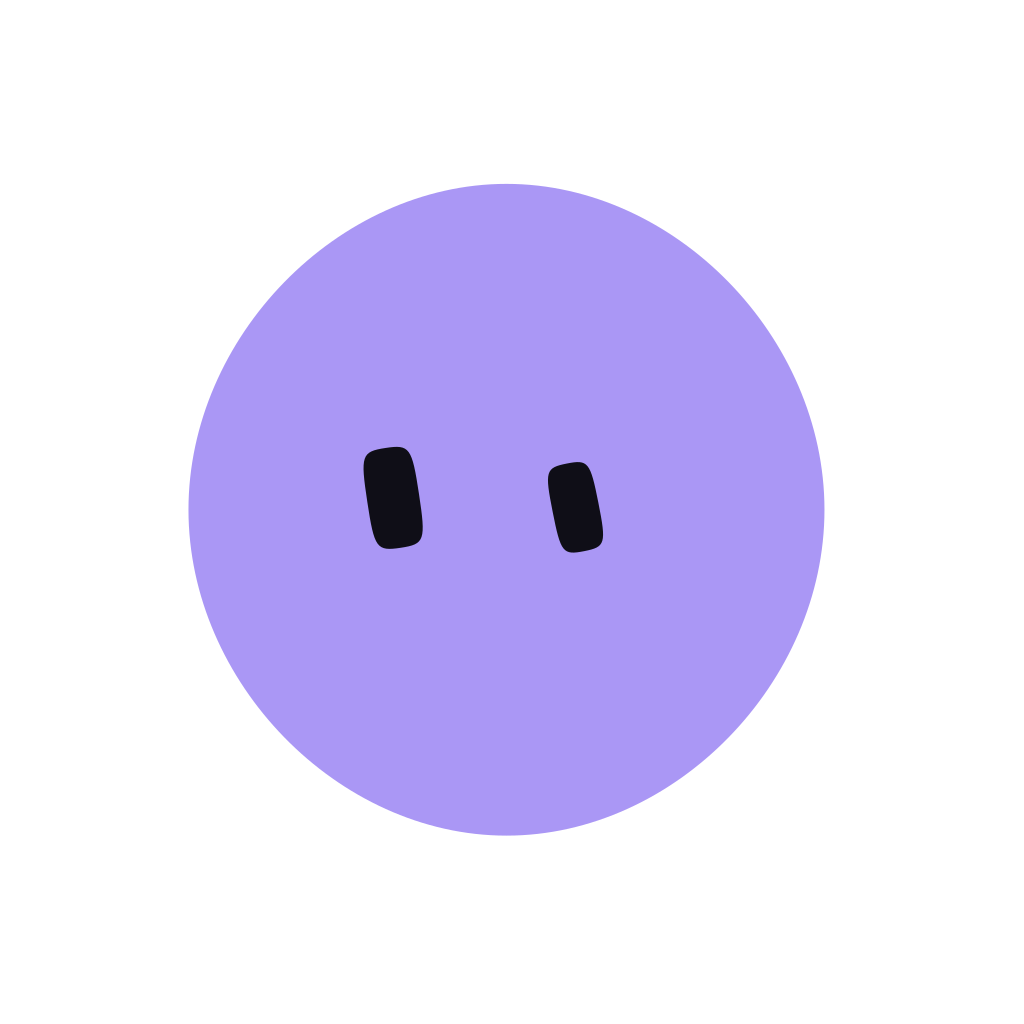
- The periwinkle mark exists (see lockups) and is the only recolour. No gradients inside it.
Don't
- Put it on a light background — invert the page to dark instead. The brand is dark-first; there is no light mode.
- Give it a face. The mark never has eyes; that's the companion's job. They are the same light in two forms — the cold open turns one into the other.
- Rotate, spin, stretch, or keyframe it. Turning a shape is something done to it; the drift is what it does by itself.
- Use it as a bullet, a pattern, or a watermark tile.
The shipped markup
<svg viewBox="0 0 32 32" width="64" height="64">
  <defs>
    <filter id="goo" x="-30%" y="-30%" width="160%" height="160%">
      <feGaussianBlur in="SourceGraphic" stdDeviation="2.2" result="b"/>
      <feColorMatrix in="b" type="matrix"
        values="1 0 0 0 0  0 1 0 0 0  0 0 1 0 0  0 0 0 20 -9"/>
    </filter>
  </defs>
  <g filter="url(#goo)" fill="#fff">
    <circle cx="13"   cy="12" r="7"/>
    <circle cx="20"   cy="14" r="6.5"/>
    <circle cx="15"   cy="20" r="6.8"/>
    <circle cx="20.5" cy="19" r="5.5"/>
  </g>
</svg>// one circle, one axis — two sines, the second at the golden ratio of the first
drift(t, rate, phase, amount) =
amount * ( 0.62 * sin(t * rate + phase)
+ 0.38 * sin(t * rate * 1.618 + phase * 2.3 + 0.7) )
// the four tracks (rate · phase · amount), in 32-unit mark space
x1 = 13 + drift(t, 0.53, 0.0, 2.9) y1 = 12 + drift(t, 0.61, 1.9, 2.6) r1 = 7 + drift(t, 0.44, 3.4, 1.25)
x2 = 20 + drift(t, 0.67, 2.6, 2.7) y2 = 14 + drift(t, 0.49, 0.8, 2.9) r2 = 6.5 + drift(t, 0.58, 4.1, 1.3)
x3 = 15 + drift(t, 0.46, 5.0, 2.8) y3 = 20 + drift(t, 0.72, 3.1, 2.5) r3 = 6.8 + drift(t, 0.51, 1.2, 1.25)
x4 = 20.5 + drift(t, 0.75, 4.4, 2.6) y4 = 19 + drift(t, 0.56, 2.2, 2.8) r4 = 5.5 + drift(t, 0.63, 5.6, 1.15)Wordmark & lockups
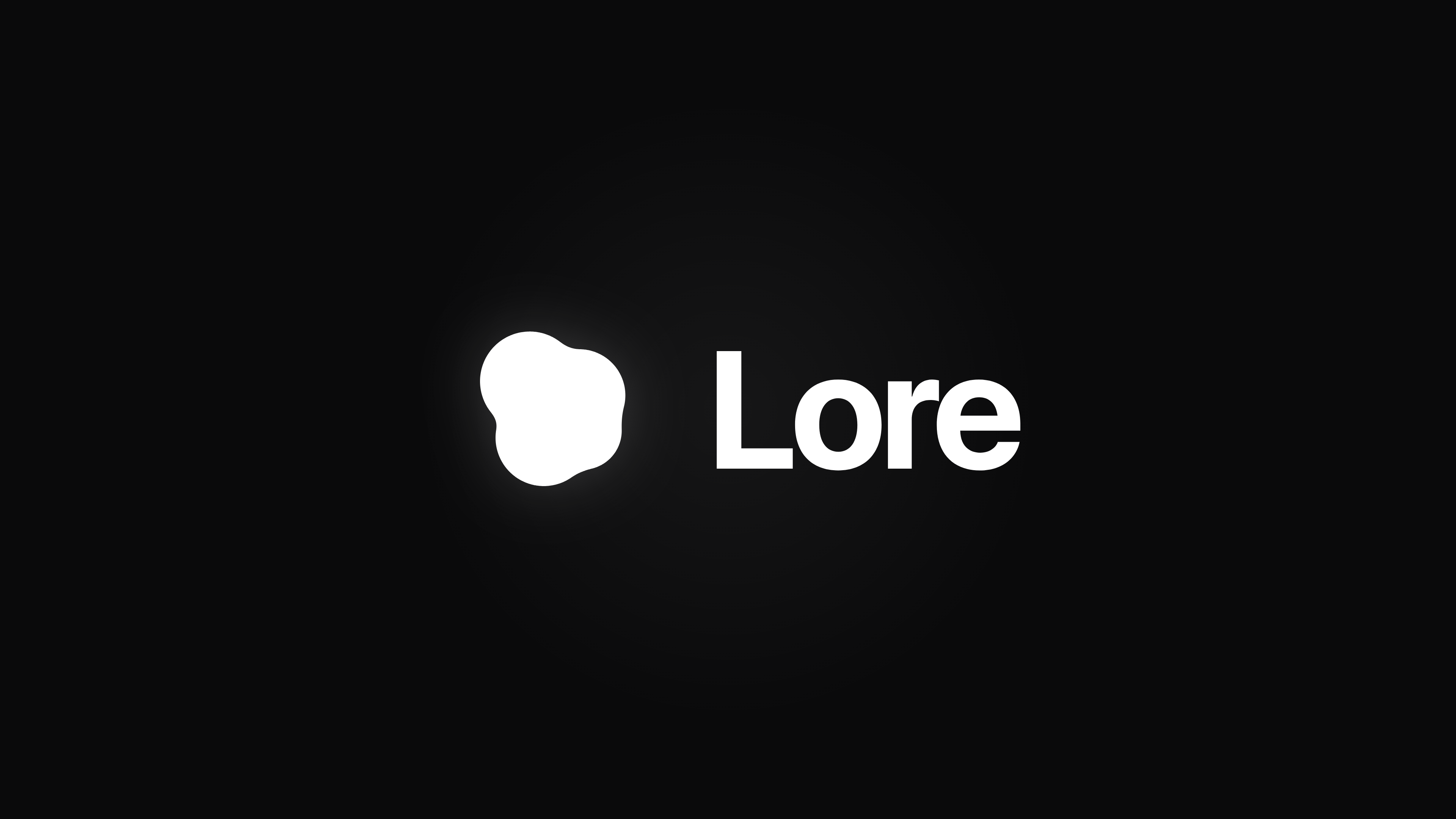
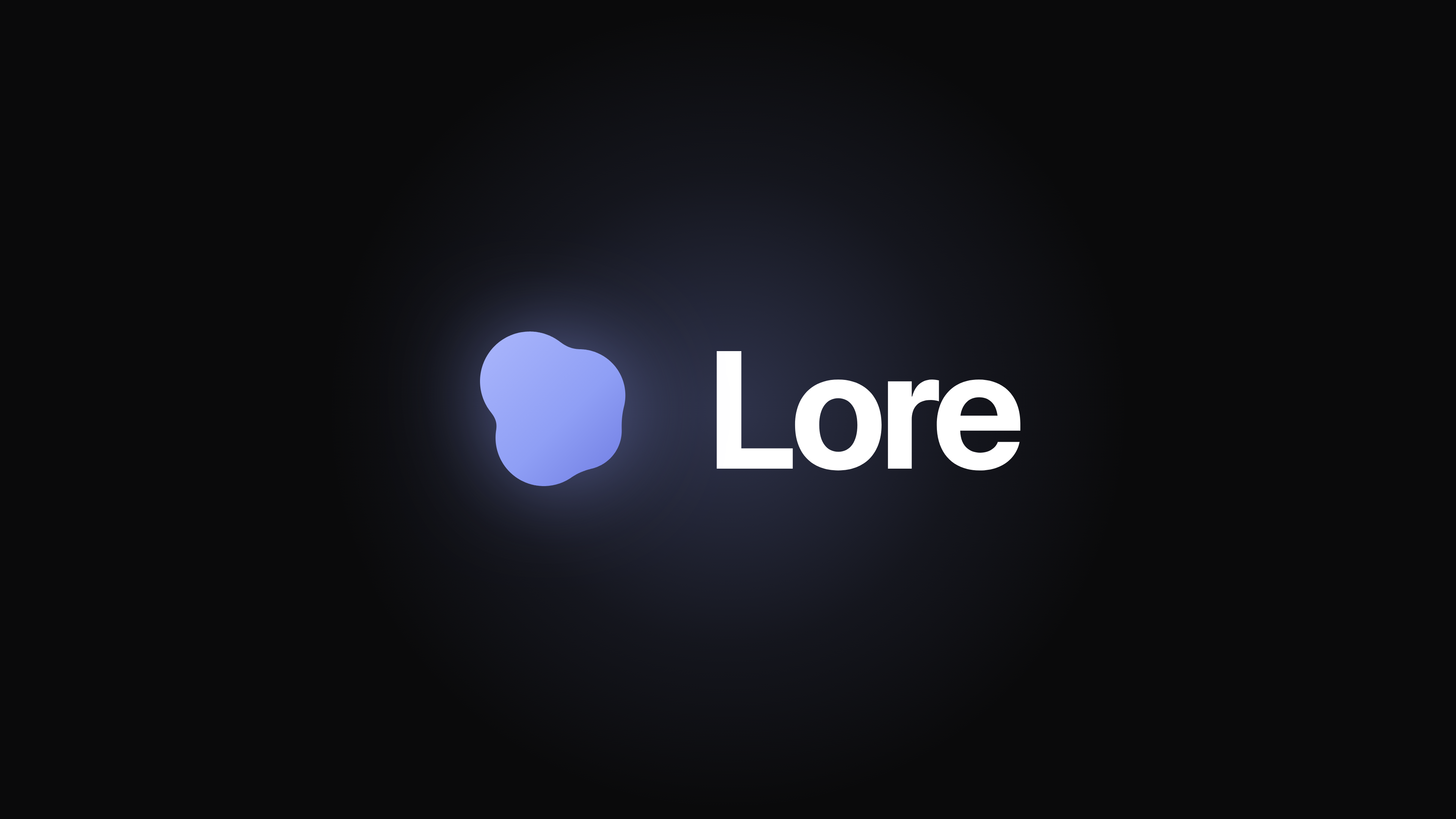
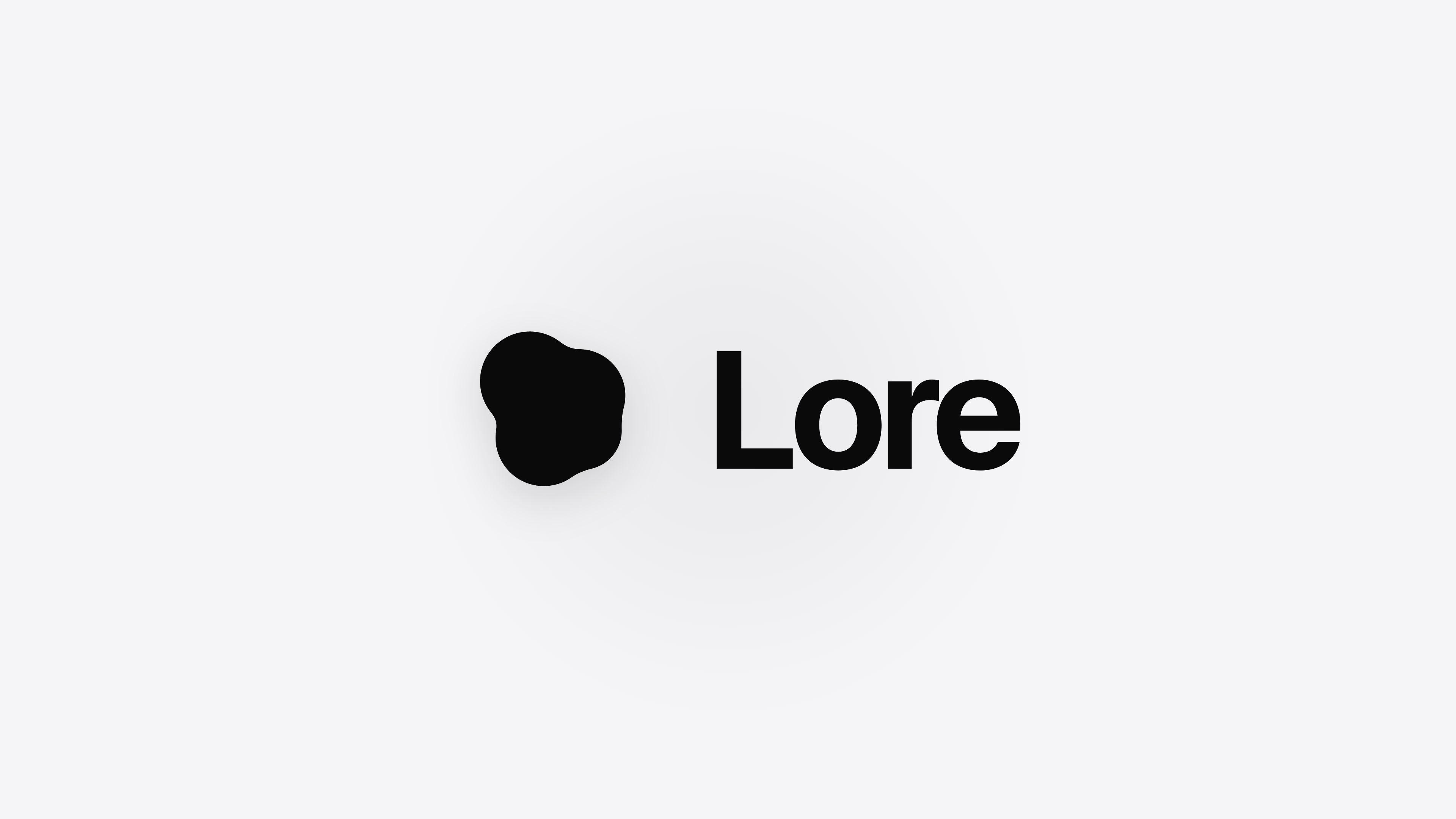
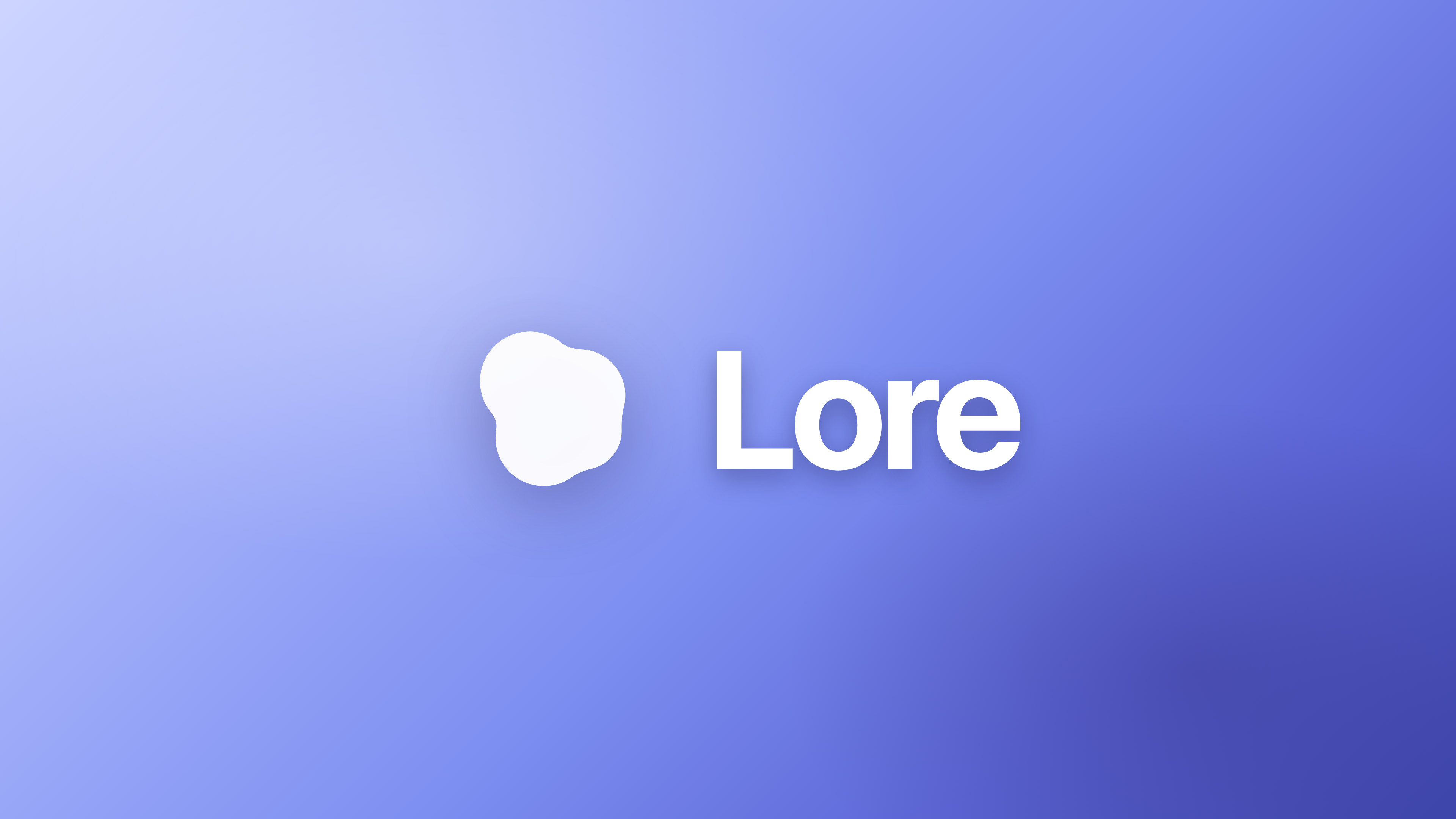
“Lore”, set beside the mark, in SF Pro Bold.
One lockup: horizontal, the wordmark at roughly 60% of the mark's height, with a gap of about a quarter of the mark's width. Sentence case, weight 700, tracking −0.02em. Never letterspaced, never outlined, never light.
Proportions
Mark 72 → wordmark 44 px (≈ 60%), gap 18 px (≈ 25%). The footer of the site sets it 52 / 34 / 13. Align the wordmark's x-height to the mark's optical centre.
Where the mark goes alone
- Anywhere under 16 px (app chrome, the menu bar item, the notch).
- Centred compositions — an end card can be the mark alone, large, with the wordmark on its own line beneath at the same 60%. Ask before inventing a new lockup.
- The site's footer runs “Lore” at 25vw as a cropped wall-painting — the wordmark as texture is allowed once, at the very end.
Don't
- Letterspace, outline, or italicise the wordmark.
- Set it in Inter on a Mac — SF Pro is on every Mac. Inter (−0.02em) is only for deliverables that must render off Apple hardware.
- Use title case (“Lore For Mac”) or all caps anywhere outside eyebrow labels.
- Put the wordmark on the iridescence or the beam.
Colour
Dark-first is not a theme. It's the identity.
Near-black surfaces, pure white type, one accent. Hairline borders carry structure; white glow carries state. Full colour exists in exactly two places, and both are moving light — never paint.
Surfaces — the stage
--lore-bgrgb(10, 10, 11)The page. Every screen's bottom layer. Not #000 — true black is reserved for the cold open's veil.
--lore-sheetrgb(19, 19, 22)The content sheet the active tab welds into; screenshots and demos sit on it.
--lore-surfacergb(20, 20, 22)Cards, controls, the composer.
--lore-raisedrgb(28, 28, 31)Hover tier, elevated chips, menus.
Text
--lore-textrgb(255, 255, 255)Headings and body. Pure white by ruling — #F5F5F7 read as dim on the sheet.
--lore-mutedrgb(134, 134, 139)Secondary copy, captions, dates.
--lore-faintrgb(91, 91, 96)Tertiary, disabled. Under AA for body text — chrome only.
The one accent
--lore-accentrgb(143, 159, 245)The only non-monochrome UI colour. Links, the one primary CTA, NEW tags, progress, the unread dot. A scarce resource: once per viewport.
--lore-accent-deeprgb(92, 112, 219)The same voice on unknown backgrounds — marks drawn over the user's own screen, where light-on-light disappears.
--lore-accent-washrgb(13% over ground)Tinted fills behind accent elements; the active row; the icon tile.
The rule that keeps the whole thing coherent: periwinkle is a scarce resource. One accent element per viewport, per frame. If two things are periwinkle at once, one of them is wrong.
Structure vs. state — the two-material rule
rgba(255,255,255,0.09) — strong 0.14 — focus 0.55. Cards, dividers, pills. Always 1 px.0.28 (something waiting for you — the notch, the listening orb) · medium 0.14 (focus) · faint 0.07 (hover). Never add a tier; never use glow as decoration.Radii, spacing, shape
Spacing runs 4 · 8 · 12 · 16 · 24 · 32 · 48 · 64. Chrome tight, content spacious; sections breathe at 48/64. Nothing sharper than 8, nothing rounder than a pill.
Chroma is light in motion — the beam and the iridescence
The beam is the border-light that runs the composer and the notch — the one chromatic surface. Its nine colours are positioned soft blobs hugging a border path, never a flat gradient fill. One beam per viewport. The app renders it natively on the notch from the same spec.
#FF3264azure#288CFFgreen#32C850teal#1EB9AAviolet#6446FForange#FF7828magenta#F032B4purple#B428F0amber#FFA01EThe iridescence — --lore-iridescence — is a 135° wash at 6–10% alpha: blue → lilac → pink → mint. Key surfaces only (the orb, the composer's ground), never section backgrounds.
The notch light. When the notch has something, it casts periwinkle down the screen: radial rgba(143,159,245,.46) at top-centre, screen blend, breathing on a 9 s clock. It only ever lightens what's under it.
Never use these palettes for buttons, text, charts, or section backgrounds. A flat rainbow anything is off-brand. If a scene needs energy, it gets the beam or the mark — not coloured paint.
The profile palette — six, tuned to one lightness
--lore-profile-periwinklergb(143, 159, 245)The default — a profile nobody recoloured looks like the rest of Lore.
--lore-profile-sagergb(127, 196, 163)--lore-profile-amberrgb(224, 176, 114)--lore-profile-coralrgb(240, 145, 140)--lore-profile-tealrgb(111, 188, 214)--lore-profile-lilacrgb(194, 151, 232)A profile's colour comes from this fixed set rather than a picker: each is tuned to the accent's perceived lightness, so no profile shouts louder than another at 13 px. Names, not hexes, are what the app stores. Each ships with a 13% wash.
Typography
SF Pro, sentence case, white.
In product and on the web: the system stack — SF Pro renders for Apple visitors, who are the audience. Headlines and the wordmark are 700; UI emphasis 600; body 400. Tracking −0.02em at display sizes, 0 otherwise. Sentence case everywhere, including headlines.
Hero headline only. Marketing and first-run — never inside the working app.
Section headlines.
Card titles, sub-heros. The app's ceiling.
Feature titles.
Leads.
Body.
Captions, meta, menu bar.
Eyebrows, tags — uppercase, tracked +0.12–0.14em.
Stacks
font-family: -apple-system, "SF Pro Text", "SF Pro Display", system-ui, sans-serif;
/* mono — receipts, code, numbers that must align */
font-family: ui-monospace, "SF Mono", SFMono-Regular, Menlo, monospace;
In After Effects / Premiere on a Mac: SF Pro Display Bold for titles at and above 20 px, SF Pro Text below. Don't ship SF Pro itself off Apple hardware — for a deliverable that must render elsewhere, use Inter with −0.02em display tracking.
Leading & tracking
Rules
- The display tier (52 / 38) exists for marketing and first-run only. Inside the working app nothing exceeds 28 px — big type is how the brand speaks about itself; small type is how it works.
- Pure white
#FFFFFFfor headings and body. Muted#86868Bfor secondary. - Sentence case. No title case. No ALL CAPS outside eyebrow labels.
- Gradient text. Outlined text. Light weights for headlines.
The companion
Lore has a body. A small soft one, with two eyes and no mouth.
The companion is the cold open's white mark become someone: a body and two capsule eyes, adapted from Blobatar (MIT). Its silhouette is its identity, its eyes carry attention, its breath carries speech, and colour carries mood only at the edges. Every creature on this page runs the app's own math, live.
Anatomy
- Body. One fill, one silhouette: a superellipse (round, boxy) or a closed Catmull-Rom spline over seeded radii (organic, cloud). Decoration — petals, bumps — rides a ring just outside the core, behind it.
- Eyes. Two vertical capsules (superellipse, n 3.5–6), the far one slightly larger — that reads as personality, not perspective. They always sit inside the body by construction. Dark eyes on a light body, light eyes on a dark one, 4.5:1 minimum — the WCAG text floor, because they must read at 24 px.
- No mouth. On purpose. Speech is a breath-scale pulse driven by the live audio level (+4.5% wide, +12% tall at peak). Emotion is eyes, body offset, a tremor, a tint — never a new mark.
- The hand. When it tours, it points: a tapered limb out of the body's edge, a small palm, one index finger continuing the arm's own direction. Body-coloured, emerging from under the core.
Where it lives
One creature, native, in a click-through overlay — never a DOM element — so it can travel: the cinematic intro → the onboarding card's seat → beside your cursor when you hold ⌃⌥ → a browser tab during sign-in → the notch. It never takes a click. When the app loses the stage it steps out of the light rather than floating over someone else's work. Modes: centre stage (birth), seated, following, touring, docking.
Identity comes from a name
A name is hashed into traits — body size, eye size and lean, lopsidedness, blink and glance timing — so Alain and Alaim are visibly different creatures and renaming reshuffles the face. Three axes are pinned on top by the identity itself: a hue (0–360, free), a tone (one of six authored swatches), and a shape (one of six silhouettes, weighted so rounds are everyday and suns are a find).
During onboarding, one model call reads the user's first name and names their creature from what the name means — never how it sounds. Tristen might get Wren, never Tristle. Names are real small words or standalone names (Wren, Moss, Juno, Ember); never a cutesy suffix (no -ling, -let, -kin). The reason line is fixed in form and tinted in the creature's own colour:
your name means bright sea, so this one came out a little wave.
| tone | OKLCh L | C | at hue 250 | eyes |
|---|---|---|---|---|
| pastel | 0.86 | 0.085 | #aed5ff | #091018 |
| pale | 0.90 | 0.028 | #d1e0f0 | #091018 |
| mid | 0.73 | 0.135 | #60adf9 | #091018 |
| deep | 0.62 | 0.165 | #1c89e4 | #091018 |
| bright | 0.87 | 0.160 | #b4d8ff | #091018 |
| ink | 0.34 | 0.035 | #2a394a | #eff6fd |
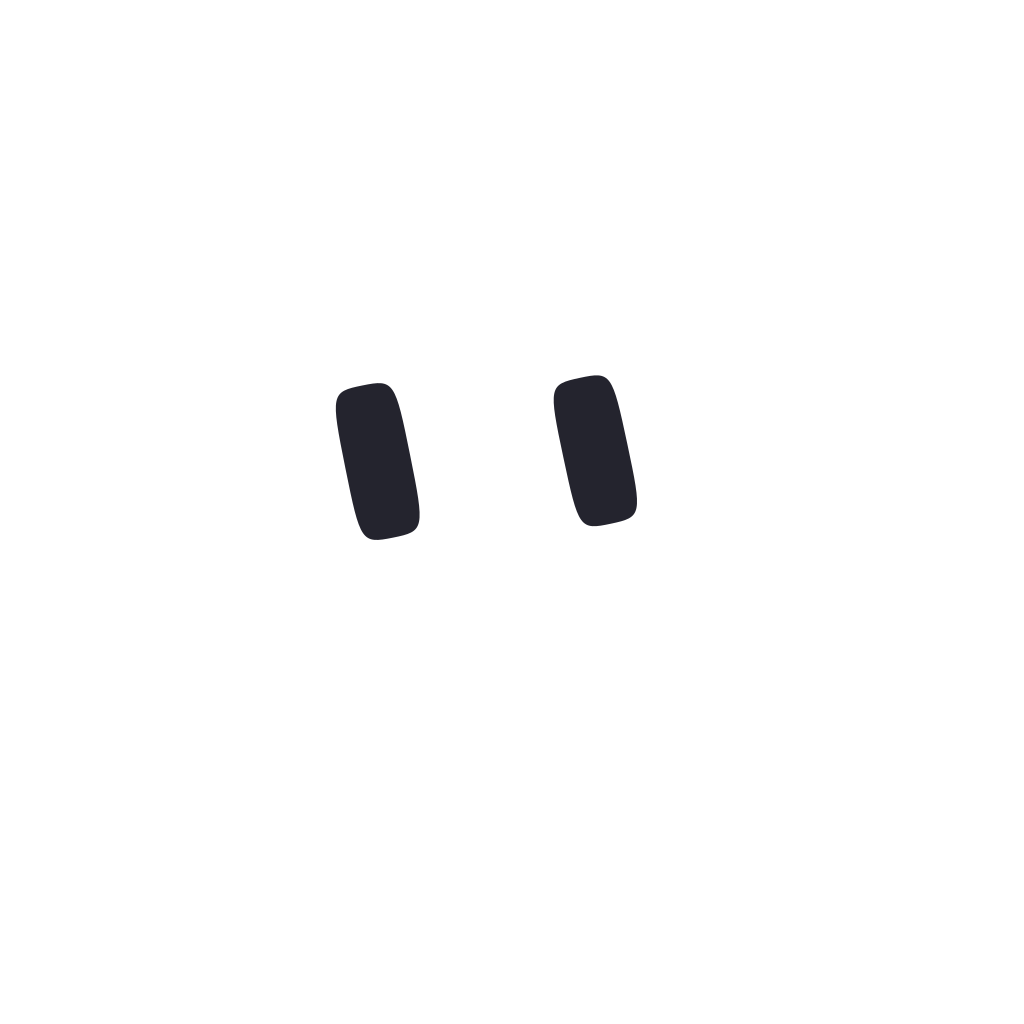
Body must clear 1.5:1 against the ground (#0A0A0B); eyes must clear 4.5:1 against the body. Ink stops at L 0.34 — darker vanishes on dark surfaces. The blank one is body #ffffff, eyes #24242e; base Lore is body #d1e0f0, eyes #091018.
Six silhouettes
Six tones
Hue is the one free axis
Sixteen named ones
The curated pool the app mints from when it's offline, each given a hue, tone and shape here. Click any of them. Hover for what they're made of; SVG downloads a still.
Thirteen poses
A pose moves parts the creature already has — eye scale, tilt, offsets, a rigid body shift, a tremor, a tint — and never adds a mark. Every pose differs from its nearest neighbour on at least three channels, never on tint alone, so the roster still works in greyscale. Intensity scales the distance from idle: 0.4 of happy is a smaller smile, not a different face. Poses interpolate; nothing snaps.
Expression in practice — what triggers what
- listening
- surprised 0.85 — eyes wide on you, still, body leans in 1.14×, one blink
- thinking
- unsure 0.95 — a blink, then eyes drift up and aside (the classic think)
- answering
- happy 0.4, body rises 1.07×, breath pulses with the words
- failed
- sad 0.55 for 2.2 s
- connected · granted · task done
- happy 1.0 for 1.8 s
- connect failed · denied
- sad 0.5 for 2.2 s
- noticed something
- surprised 0.7 for 1.6 s
- waiting
- sleepy 0.35 for 3.5 s
- proud · shy
- smug 0.5 · shy 0.6
- “sorry”, “unfortunately”, “I couldn't”
- sad 0.5
- “hmm”, “I'm not sure”, “it depends”
- unsure 0.45
- “whoa”, “wow”, “heads up”
- surprised 0.5
- “done”, “sent”, “all set”, “perfect”
- happy 0.55
- “hey”, “hi”, “morning”
- happy 0.4
There is no emotion channel in the voice stack — expression is derived from phases, status, events and words. Unknown inputs map to nothing. A creature that emotes on every tool call reads as a slot machine; only the spatial and emotional moments get a reaction.
How it moves — the numbers
Stillness is part of the character: idle amplitudes are small, and reduced motion removes them entirely (breathing only). Seated, it glances politely; out in the open beside the cursor it's a kid seeing everything for the first time — subtle reads as dead at that size.
It points at things
Touring: it parks just outside a highlight box, looks at it, and points. The box draws itself on over 0.42 s (dash-offset) with a small white caption naming the control — the product's teaching gesture. The finger continues the arm's own line so it can only mean “that one”.
Sizes it lives at
The eyes set the floor: 24 px is the smallest it may ever be drawn. Riding the cursor it sits 20 pt right and 24 pt below the pointer (never under what you're about to click). At birth it appears as exactly the cold open's orb — same size, same spot — so the mark can fade off it without a seam.
The notch
A native panel that floats above everything, even full-screen apps.
The notch is the product's front door: dormant it's the hardware notch; when Lore has something it grows into a card. It is real macOS chrome — a non-activating panel — not a web view, and every screenshot of it must come from the running app.
Geometry (points)
Faces
- dormant — the hardware notch, the mark's light faintly alive.
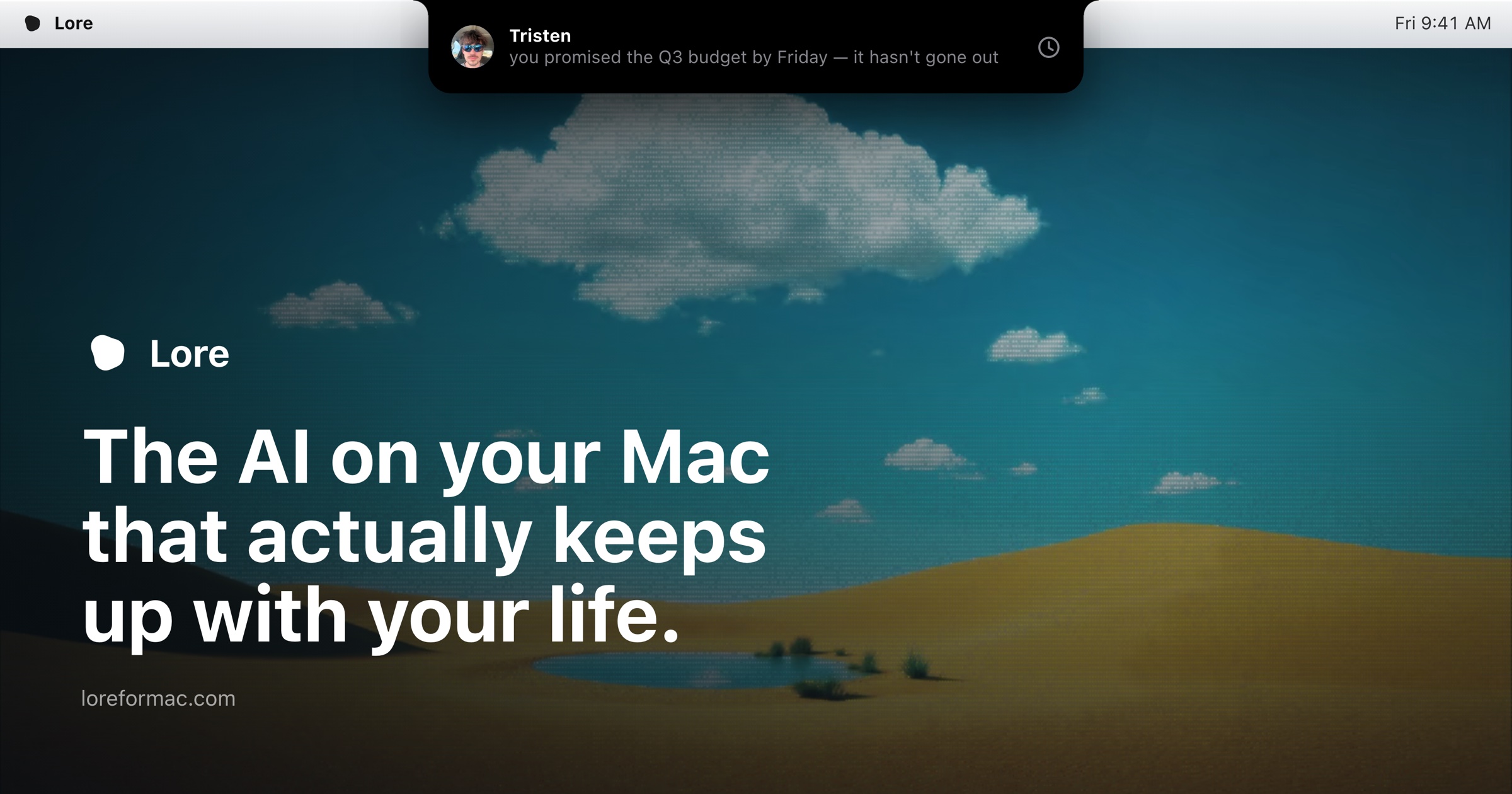
- peek — one line slides down: “Tristen — you promised the Q3 budget by Friday.”
- announce — the same, spoken aloud, waveform at the right.
- hub — the morning brief: suggestions, a calendar chip, people.
- detail — one notice opened, with its actions (“Copy reply & open”, “I'll do this later”).
- listening — ⌃⌥ held: the beam runs, your words appear as you say them.
- thinking — narrow, the shimmer.
- answering — the answer, spoken, the beam alive.
How it moves
- Spring 200 / 26 — the cinematic spring. It grows from the notch; it never fades in from nowhere.
- The beam runs only while it's listening or answering. Strong glow (0.28) means something is waiting for you.
- The notch light spills periwinkle down the screen when it's lit (screen blend).
- Text arrives word by word with a brief blur-glint. Boxes draw themselves on. A plain cross-fade is the last resort.
Motion
Motion is state change. Nothing moves that isn't becoming something else.
Two springs, matched to how often a thing is seen. No ambient parallax, no scroll-jacking, no floating decorations. Springs have mass: slight overshoot, then settle — the liquid read comes from stretch that lags position.
The two springs
| name | spring | fallback | use |
|---|---|---|---|
| ui | 400 / 30 | 180 ms | hover, tabs, inputs — instant |
| notch | 200 / 26 | 350 ms | panels, cards, reveals — cinematic |
Fallback curve for both: cubic-bezier(0.32, 0.72, 0, 1) — starts fast, settles slow. Stiffness / damping at mass 1; in After Effects terms 400/30 lands in roughly 350 ms with a hair of overshoot, 200/26 in roughly 700 ms.
In frames (24 / 30 / 60 fps)
The house moves
- Draw, don't fade. Boxes stroke themselves on (0.42 s, dash-offset). Text arrives word by word with a blur-glint. Light travels along paths.
- The entrance. Nothing is simply there — it resolves: unblur 12 px → 0, rise 18 px → 0, fade 0 → 1, 800 ms on the curve.
- Springs have mass. Overshoot slightly and settle. The creature squashes along its heading when it moves, volume-conserving.
- Reduced motion is honoured bluntly — everything to 0.01 ms; the creature keeps only its breathing.
- Ambient parallax, floating decorations, particles, confetti, scroll-jacking, logo spins.
The cold open — the first twelve seconds, on the app's own clock
Black, and only black, for 1.7 s — long enough to be a beat of its own. A small mark fades up out of it over 4.6 s, very slowly, with its own white halo. From 5.2 s it grows over five seconds to full size, drifting the whole way. On the song's hit at 10.2 s its four lobes draw together into one round white body — the creature — over 1.15 s: the drift calms into the body rather than one shape being swapped for another. At 10.5 s the black lifts like a veil (1.3 s) while the mark is still becoming, revealing the wallpaper and the first card already waiting underneath. At 11.55 s the companion takes over the orb, matched in place, and the mark fades off it. Twelve seconds: the length of the song's intro. The two are meant to land together.
For the web and the video: one cold-open echo is sanctioned — black page, the mark fades up small, grows, the headline arrives. Three seconds maximum on the web, and only on first paint; the video can take the full twelve if the music carries it. No bloom, no white-out, no flash: the creature is the same light condensing, which is why the handoff must read as one object. It does not rotate.
Voice & writing
One person talking. Comma, not exclamation.
Lore's writing voice is load-bearing brand. In marketing copy Lore is “it”; Lore speaks as “I” only inside the product. First person singular in marketing belongs to the founder: “Tristen built me. He'll walk you through it.”
Rules, all live in the product
- Greet like a person, not a notification. “Hey, Tristen — just here to remind you to lock up.” Punctuation is stage direction; the em-dash is the lean-in. Rotating cute openers were tried and cut: being identical is what makes it recognisable.
- Say what the button does. “Copy reply & open”, “Okay, show me”, “I'll do this later”. Never “Submit”, never “Learn more”.
- Own lateness in the same breath. “That was 20 minutes ago.” Under fifteen minutes, nobody counts.
- State, don't sell. “All caught up.” · “Checked 2m ago.” · “Indexed 5,040 messages.” Numbers are the product's proof; let them talk.
- Honesty over polish. The real price, the real beta terms: “no card, no trial clock”. Promises stated plainly: “Your messages never leave this Mac.”
- Sentence case everywhere, including headlines. No title case, no ALL CAPS outside eyebrow labels.
Lines that are already canon
- Hi, I'm Lore.
- It notices the stuff you'd forget.
- The AI on your Mac that actually keeps up with your life.
- Your Mac does the remembering.
- Try talking to me.
- I can see what you see.
- Plug me in.
- Oh, one last thing.
- That's everything. I'll be right here when you need me.
- Four rules. No toggles.
- Free during the beta · $20/mo after
- Meet Lore.
Headline register: short declaratives with a hinge. The founder's note on the site is all lowercase — that is his voice, not the product's; don't imitate it in UI.
Sound
Five tiny sounds, synthesised, far under the music.
No audio assets ship: the companion's palette is rendered at runtime from shaped sines and filtered noise, so every level is a number somebody can tune. Restraint is the design — nothing fires on movement or on a timer, only on arrivals, transformations and confirmations. It never plays when the Mac is muted.
| sound | when | what it is | length |
|---|---|---|---|
| pop | arrival | a tiny upward blip, 340 → 760 Hz sweep over 80 ms, soft body | 140 ms |
| squish | landing after a flight | low breathy squash: 150 → 90 Hz thump under low-passed noise | 110 ms |
| confirm | done · connected · yes | two gentle notes up — E5 (659 Hz), then A5 (880 Hz) 130 ms later | 340 ms |
| transform | becoming someone | a soft shimmer sweep 300 → 920 Hz with a 9 Hz wobble and a sparkle an octave up | 500 ms |
| whoosh | leaving for the cursor | air moving — band-passed noise, cutoff rising | 220 ms |
For the video: the same restraint. A pop when the creature arrives, a confirm when a thing is done, the transform shimmer when it takes its colour. If a sound draws attention to itself, it's too loud.
For the launch video
The checklist.
Everything above, folded into what a shot needs. Keep it next to the timeline.
Ground & colour
- Open on true black (#000). Once there's UI, the ground is
#0A0A0B. No light sections, ever. - White type
#FFFFFF, muted#86868B. Periwinkle#8F9FF5at most once per frame. - The beam's nine colours only as light on a border. The iridescence only as a 6–10% wash. Never flat paint, never gradient text, never a rainbow anything.
- Composite the mark and its halo with screen/add. Never an opaque box.
The mark & the creature
- The mark drifts or is still. It never rotates, spins, bounces, or wipes. Record the living one from the stage in §02 if you need motion.
- The creature's eyes must read: never smaller than 24 px tall on the delivery frame. Both eyes move together. No mouth, ever.
- Blinks are asymmetric (fast shut, slow open). It breathes on 2.8 s. When it moves it squashes along its heading and settles with mass.
- Hand animating it? Use the numbers in §06. Better: record it from the pose stage — it looks where your cursor goes.
Type, motion, sound
- SF Pro Display Bold, sentence case, −0.02em for titles. One idea per card.
- Ease
cubic-bezier(0.32, 0.72, 0, 1). UI 180 ms, cinematic 350 ms, entrances 800 ms with a 12 px unblur. Draw, don't fade. - Screenshots only from the running app; the notch is real chrome. No mockup frames, no 3D devices.
- Sound: the five tiny sounds, far under the music. Voice lines in the product's register — “Hey, Tristen —”, comma not exclamation.
Story shape that matches the product
- Black. The mark fades up. Premium first — let it breathe. (0–12 s if the music carries it; 3 s if not.)
- The mark becomes the creature. The lobes converge, the veil lifts, it blinks awake. “Hi, I'm Lore.”
- A real notice. The notch peeks: “you promised the Q3 budget by Friday — it hasn't gone out.” Own the lateness.
- A real conversation. Hold ⌃⌥, ask out loud, it answers out loud from the notch — in a full-screen app.
- The rules, plainly. On your Mac. Quiet by design. You approve every send. Free during the beta.
- End card. Mark + wordmark, white on ground. “Meet Lore.” loreformac.com
If something you need isn't here — a shot, a size, a still — ask: tristen@loreformac.com. That address is really him.
Assets
The files.
Everything below is in lore-brand-kit.zip. Individual files link through. Stills of any creature on this page download from its SVG button; the stages in §02 and §06 are for screen-recording on true black.
| file | what | format |
|---|---|---|
| lore-mark-path.svg | The mark as one clean path — no filter. Use this in video, print, anything that can't run SVG filters. | vector · 32-unit canvas · white |
| lore-mark-path-black.svg | Same path, black — only for a forced light surface. | vector · black |
| lore-mark-goo.svg | The mark exactly as the app draws it: four circles through the goo filter. | vector · white |
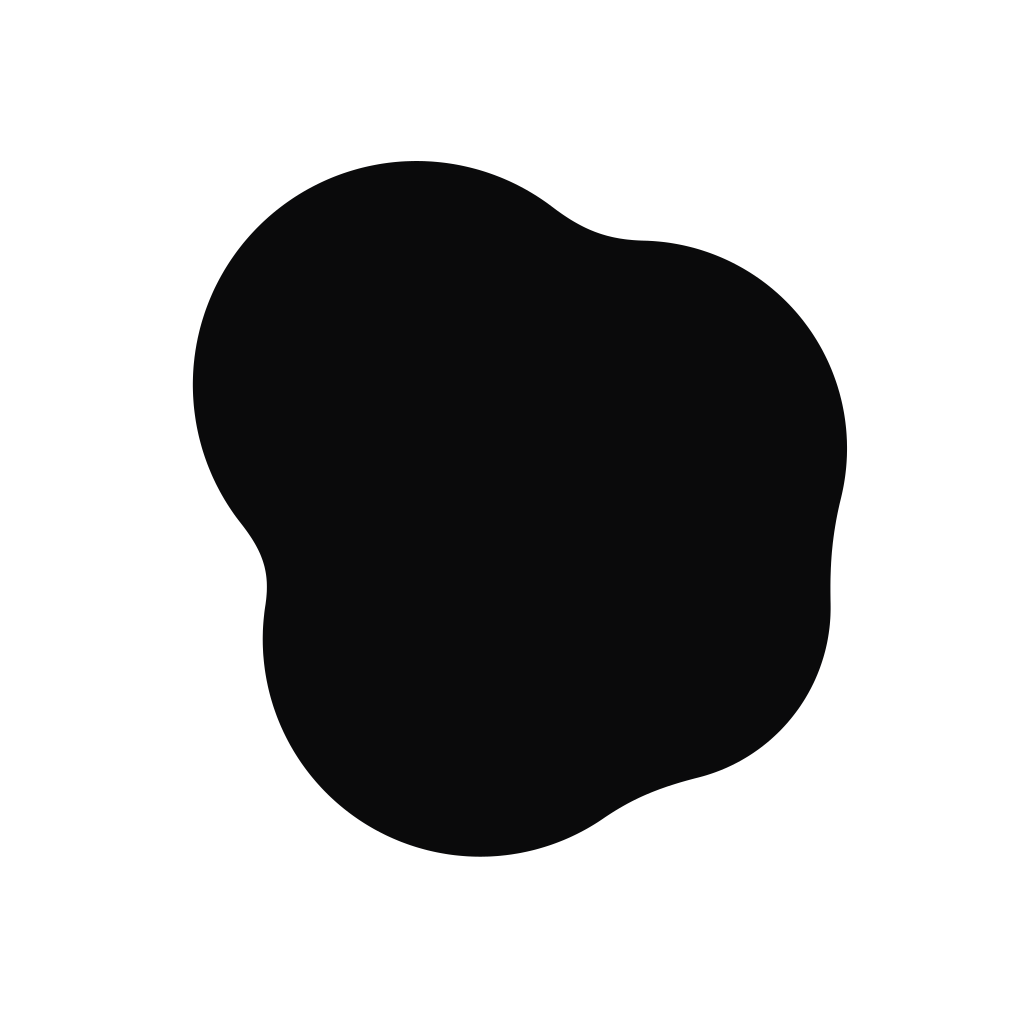
| lore-mark-white-2160.png | The mark, white, on transparent. The master raster. | 2160 × 2160 · PNG α |
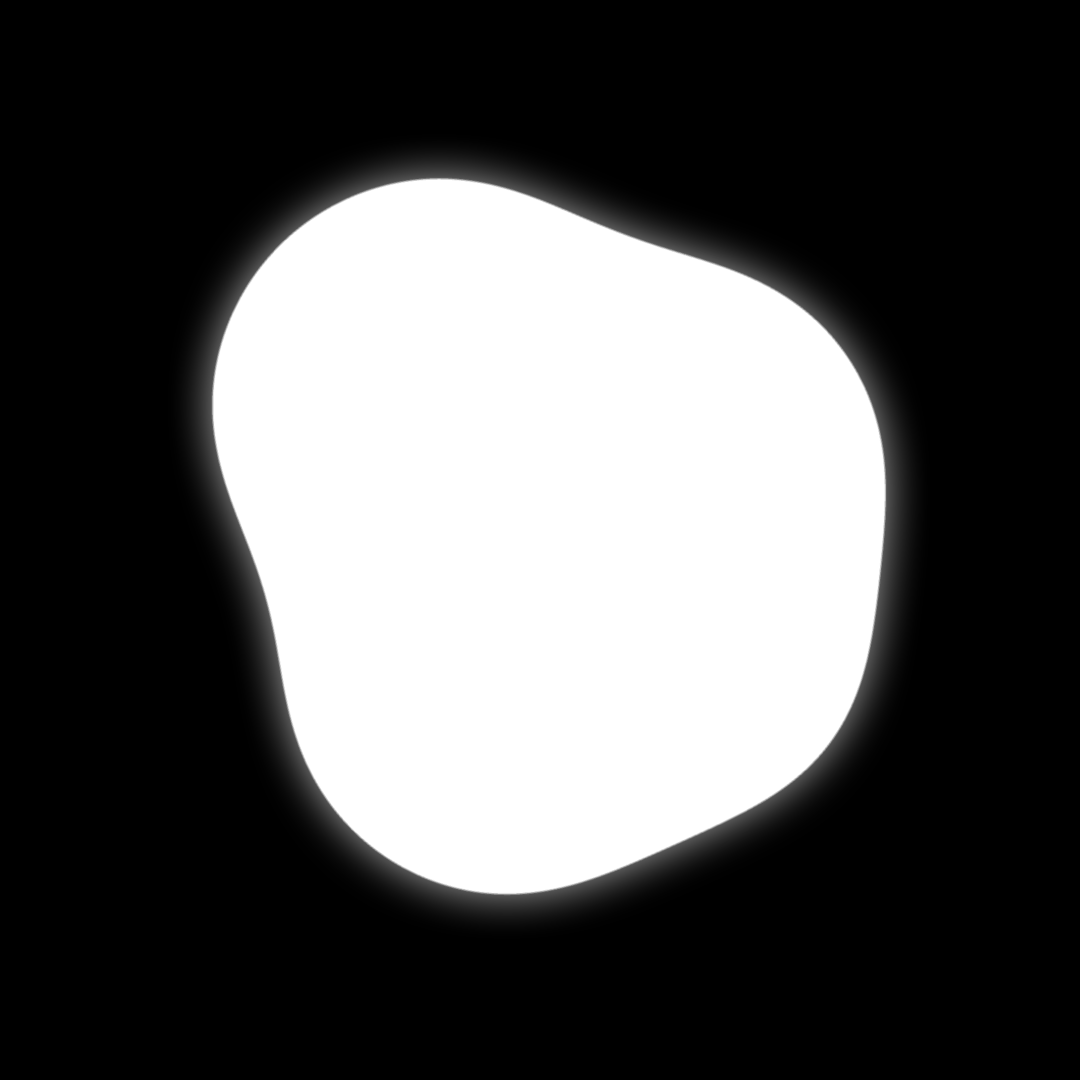
| lore-mark-white-glow-1080.png | The mark with its own halo, on black — how it appears in the cold open. | 1080 × 1080 · PNG |
| lore-mark-512.png | The mark on black, small — the site's favicon master. | 512 × 512 · PNG |
| lore-mark-64.png | The mark, white on transparent, as the notch draws it. | 64 × 64 · PNG α |
| lore-app-icon-1024.png | The macOS app icon: mark white on black in the squircle. Never re-tinted. | 1024 × 1024 · PNG α |
| lore-lockup-white-on-black-4k.png | Primary lockup. Mark + wordmark, white on ground. | 3840 × 2160 · PNG |
| lore-lockup-periwinkle-on-black-4k.png | Accent lockup — the mark takes the periwinkle; the wordmark stays white. | 3840 × 2160 · PNG |
| lore-lockup-black-on-light-4k.png | Inverted lockup. Only when a light surface is forced by the context. | 3840 × 2160 · PNG |
| lore-lockup-white-on-periwinkle-4k.png | Marketing lockup on the periwinkle wash. An end card, not a UI surface. | 3840 × 2160 · PNG |
| /brand/companions/ | Thirty-seven stills from the same math the live creatures run: the blank one, base Lore, six silhouettes, the sixteen named ones, and base Lore in all thirteen poses. | vector · 100-unit canvas |
| og-image.jpg | The social card: the notch on a Mac desktop, catching a promise before it slips. | 2400 × 1260 · JPEG |











Tokens
Copy-paste.
The design tokens as the site and the app carry them, plus the beam palette. Colours are sRGB; hex and 8-bit values above are the same numbers.
:root {
  /* surfaces */
  --lore-bg: #0a0a0b;          --lore-sheet: #131316;
  --lore-surface: #141416;     --lore-raised: #1c1c1f;

  /* text */
  --lore-text: #ffffff;        --lore-muted: #86868b;   --lore-faint: #5b5b60;

  /* the one accent */
  --lore-accent: #8f9ff5;      --lore-accent-deep: #5c70db;
  --lore-accent-wash: rgba(143, 159, 245, 0.13);

  /* structure — hairlines, never glow */
  --lore-border: rgba(255, 255, 255, 0.09);
  --lore-border-strong: rgba(255, 255, 255, 0.14);
  --lore-border-focus: rgba(255, 255, 255, 0.55);

  /* state — glow, 4 : 2 : 1, never structure */
  --lore-glow-strong: 0 0 24px rgba(255, 255, 255, 0.28), 0 0 8px rgba(255, 255, 255, 0.18);
  --lore-glow-medium: 0 0 14px rgba(255, 255, 255, 0.14);
  --lore-glow-faint:  0 0 12px rgba(255, 255, 255, 0.07);

  /* the only other chroma: light in motion */
  --lore-iridescence: linear-gradient(135deg,
    rgba(168, 192, 255, 0.10) 0%, rgba(228, 178, 255, 0.07) 38%,
    rgba(255, 186, 214, 0.06) 66%, rgba(176, 255, 226, 0.08) 100%);

  /* profile palette — six, tuned to the accent's lightness */
  --lore-profile-periwinkle: #8f9ff5;  --lore-profile-sage: #7fc4a3;
  --lore-profile-amber: #e0b072;       --lore-profile-coral: #f0918c;
  --lore-profile-teal: #6fbcd6;        --lore-profile-lilac: #c297e8;

  /* type */
  --lore-font: -apple-system, "SF Pro Text", "SF Pro Display", system-ui, sans-serif;
  --lore-mono: ui-monospace, "SF Mono", SFMono-Regular, Menlo, monospace;
  --lore-text-xs: 11px;  --lore-text-sm: 13px;  --lore-text-base: 15px;
  --lore-text-lg: 17px;  --lore-text-xl: 22px;  --lore-text-2xl: 28px;
  --lore-text-3xl: 38px; --lore-text-display: 52px;

  /* shape */
  --lore-radius-sm: 8px; --lore-radius-md: 10px;
  --lore-radius-lg: 14px; --lore-radius-pill: 999px;

  /* motion */
  --lore-ease: cubic-bezier(0.32, 0.72, 0, 1);
  --lore-duration-ui: 180ms;     /* spring 400 / 30 */
  --lore-duration-notch: 350ms;  /* spring 200 / 26 */
}/* border-beam "colorful" — positioned soft blobs hugging the border path.
Never a flat gradient fill. One beam per viewport. */
crimson rgb(255, 50, 100) #FF3264
azure rgb(40, 140, 255) #288CFF
green rgb(50, 200, 80) #32C850
teal rgb(30, 185, 170) #1EB9AA
violet rgb(100, 70, 255) #6446FF
orange rgb(255, 120, 40) #FF7828
magenta rgb(240, 50, 180) #F032B4
purple rgb(180, 40, 240) #B428F0
amber rgb(255, 160, 30) #FFA01E
durations: line 3.1 s · pulse 2.3 s · rotate 1.96 s · hue range 30°Source of truth, in order: the shipped app (apps/web/src/design/tokens.css, LoreCore/Companion), then the marketing site, then this page. This page was audited against v0.5.6 on 21 August 2026.